Examples

One wedding, seen from every side.

What couples get with WedStay One, start to finish: the wedding website and RSVPs, the day in every guest’s hand, the seating chart, the photos and who sleeps where.

The planning side, budget and checklist included, runs on the same example in the demo dashboard.

Guests · The wedding website

Six couples, six designs.

Each phone is a complete wedding website, built with the same components your guests see. Scroll one on a computer, swipe through them on a phone, or open any full-screen.

  • Expand ↗

    Classic theme

    Eleanor & James

    A black-tie evening at the manor

    Open full preview →

  • Expand ↗

    Editorial theme

    Margaux & Theo

    A black-tie city evening

    Open full preview →

  • Expand ↗

    Garden theme

    Maya & Oren

    A spring ceremony under the oaks

    Open full preview →

  • Expand ↗

    Beach theme

    Sofia & Mateo

    A barefoot morning by the Pacific

    Open full preview →

  • Expand ↗

    Mono theme

    Noa & Eli

    A modern desert night

    Open full preview →

  • Expand ↗

    Romance theme

    Adele & Marcus

    A candlelit winter evening

    Open full preview →

1 of 6

Create your free account

Look around free. Unlock every tool for $69$89$129, once.

Guests · RSVPs

Every answer, in one place.

Guests answer from your wedding website: yes or no, how many are coming, meals and allergies, a song request and a note for you.

  • On the website

    The RSVP button sits on the wedding website, so guests answer where they read the details.

  • On your dashboard

    Every answer comes in with the party size, the meals and the note.

  • Try it here

    Fill in the form on the phone; nothing is sent. Back opens the website, and its RSVP button brings you here again.

Margaux & Theo – October 16, 2027

Margaux & Theo

October 16, 2027 · Austin, TX

About you
Are you coming?
Dietary needs
Song requests
Anything else

We’ll email you a confirmation with a link to update your reply anytime.

By sending your RSVP, you agree to the Terms.

The day · On their phones

The day, in every guest’s hand.

Guests scan the code on the table. No app to download. Tap through each phone: it works the way it does on the day.

  • Live now

    Margaux & Theo

    Saffron Hill Estate · Austin, TX

    Right now

    Up next · Ceremony

    3:30 PM · Garden lawn

    Your seat · Table 2

    The day · tap for details

    What is on right now

    The next event, their seat, a one-tap check-in and the running timeline.

  • Margaux & Theo · Share photos

    Add your photos

    No app, no sign-in. Snap and it's on the wall in seconds.

    Your shots2 / 20
    • Overhead view of the couple walking between two long reception tables
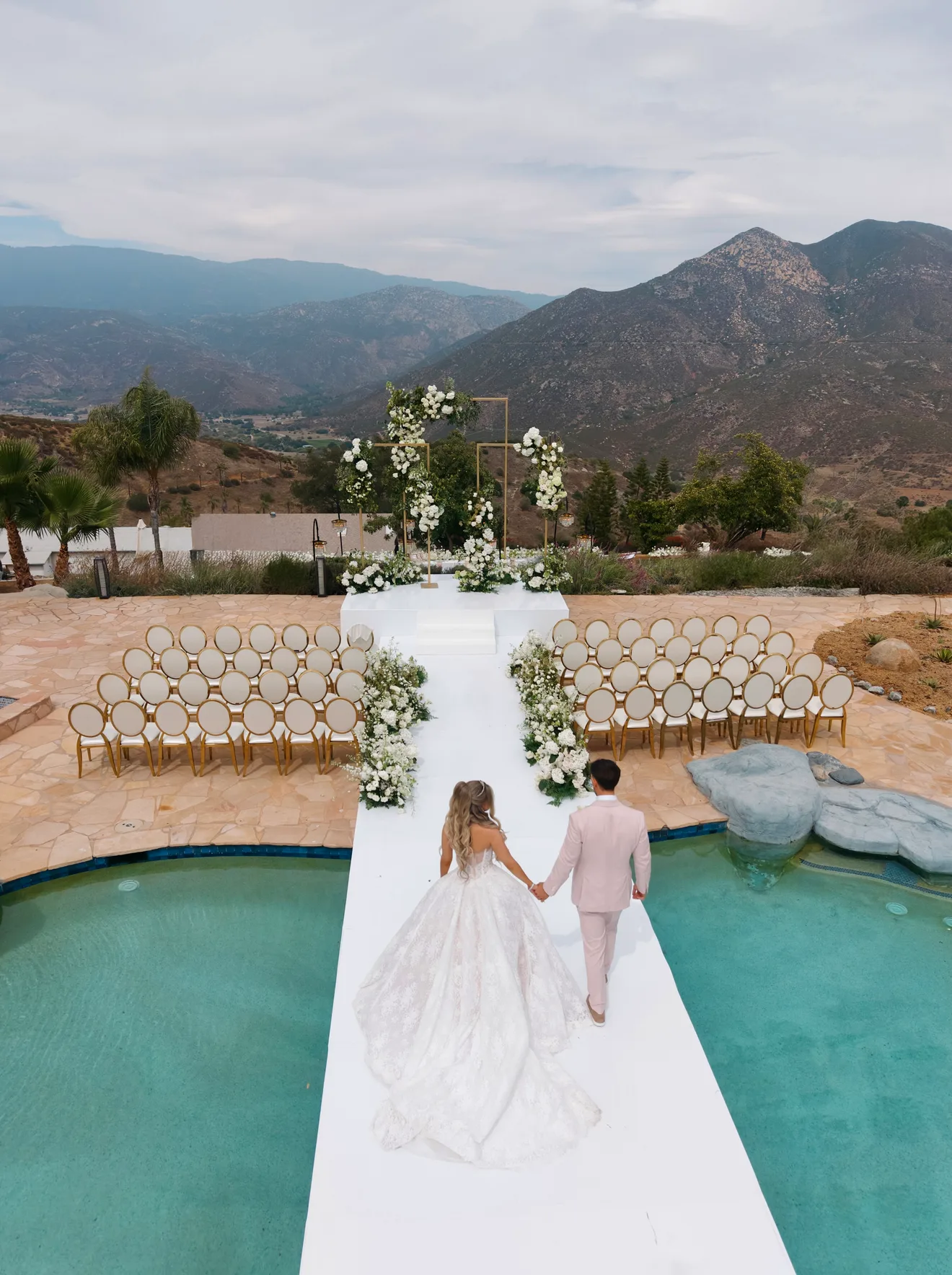
    • Bride walking toward the groom beside a pool lined with white flowers

    A digital disposable camera

    20 shots each, candid and unfiltered. Every one lands on the photo wall.

  • Video guestbook

    Margaux & Theo · Leave a video

    Rec0:00 / 1:00
    Tap to try it with your camera

    Up to 60 seconds. The couple watches it after the day.

    The video guestbook

    A video message for the two of you. Tap record to try it: your camera turns on only then, and nothing is uploaded.

1 of 3

The day · Seating

A seating chart, and a seat for everyone.

You seat guests table by table on your dashboard. On the day, each guest types their name and sees their table and who they sit with. No printed chart to crowd around.

  • Your dashboard

    Seating

    108 of 112 guests seated · 4 unseated

    • Table 1

      Near the dance floor

      9 / 10
      • Abe H.
      • Wren H.
      • Ada O.
      • Chidi O.
      • Emeka O.
      • Ngozi O.
      • Aiko N.
      • Hana N.
      • Ren N.
    • Table 2

      10 / 10
      • Ama O.
      • Kofi O.
      • Andre F.
      • Celine F.
      • Anna L.
      • Mark L.
      • Arjun R.
      • Priya R.
      • Astrid L.
      • Bo L.
    • Table 3

      10 / 10
      • Bastien D.
      • Odile D.
      • Bea B.
      • Kit B.
      • Lou B.
      • Bia S.
      • Davi S.
      • Lia S.
      • Birdie C.
      • Hank C.
    • Table 4

      9 / 10
      • Bisi O.
      • Dayo O.
      • Bram W.
      • Effie W.
      • Lottie W.
      • Cal R.
      • Fiona R.
      • Clara P.
      • Hugh P.
    • Table 5

      10 / 10
      • Cyrus B.
      • Rhea B.
      • Daisy A.
      • Reid A.
      • Danny W.
      • Rosa W.
      • Dot G.
      • Lyle G.
      • Edie V.
      • Ford V.
    • Table 6

      9 / 10
      • Elodie L.
      • Marc L.
      • Enzo M.
      • Gia M.
      • Luca M.
      • Finn K.
      • Moira K.
      • Freya S.
      • Nils S.

    9 more tables on the chart

    6 more tables on the chart

    Your side: the chart

    Tables, seats filled and who is still unseated.

  • Margaux & Theo

    Find your seat

    Ama Osei
    Find

    You're at

    Table 2

    With Kofi, Andre, Celine & 6 more

    I'm here, check in

    Their side: find your seat

    Ama Osei types their name and lands at Table 2, outlined on the chart.

1 of 2

The day · Photos

Every guest’s photos, on one wall.

What guests shoot lands on a shared photo wall in seconds. Put it on the venue screen at the reception, and keep every photo after.

  • The photo wall

    Live
    Overhead view of the couple walking between two long reception tablesThe couple posing between long tables under hanging chandeliersGroom lifting the bride on a white dance floor between sparklersWhite bar cart with a drinks menu and white flowers on the lawnThe groom hugging guests in a crowd on the lawnSignature drinks sign on the bar next to bottles of wine

    237 photos · 41 guests

    On their phones

    The wall fills as guests shoot, right in the same link.

  • On the venue screen

    Fullscreen at the reception, one photo at a time as they come in.

1 of 2

The stay · Rooms

Who sleeps where, all weekend.

Put family and the wedding party in the right rooms, at the venue or a room block nearby. Each guest gets their own room card, with their dates and check-in.

  • Your dashboard

    Stay

    36 of 112 guests housed

    Saffron Hill Estate

    Check-in 3:00 PM · Check-out 11:00 AM

    • Main house, Suite 1

      King suite · sleeps 2

      2 / 2
      • Abe
      • Wren
    • Main house, Suite 2

      King suite · sleeps 2

      2 / 2
      • Ama
      • Kofi
    • Main house, Room 3

      Two queens · sleeps 4

      4 / 4
      • Ada
      • Chidi
      • Emeka
      • Ngozi

    4 more rooms

    3 more rooms

    The Juniper Inn

    Check-in 4:00 PM · Check-out 12:00 PM

    • Room 101

      King · sleeps 2

      2 / 2
      • Birdie
      • Hank
    • Room 102

      King · sleeps 2

      2 / 2
      • Bisi
      • Dayo
    • Room 103

      Two queens · sleeps 4

      3 / 4
      • Bea
      • Kit
      • Lou

    4 more rooms

    3 more rooms

    Your side: the rooms

    Every room, how many it sleeps and who is in it.

  • Your room

    Saffron Hill Estate · Main house, Suite 2

    Stay
    October 15, 2027 – October 16, 2027
    Check-in
    3:00 PM
    Check-out
    11:00 AM
    Room
    King suite
    With
    Kofi O.

    Keys are in the front hall. Parking is behind the barn.

    Their side: the room card

    Their room, their dates, check-in and who they share with.

1 of 2

Website and the day

See it both ways.

The wedding website your guests browse before the day, and the live day-of interface they hold on the day. Toggle between the two.

thewedstay.com/c/demo-margaux-and-theo

Expand full page

The full wedding website. It opens full-screen in a new tab.

Try the full dashboard

Plan it all in WedStay One.

Every tool for the plan, the guests, the day and the stay.

Create your free account

Look around free. Unlock every tool for $69$89$129, once. Full refund for 14 days.